
Your Data.
Your Tools.
Official integrations that bring your Hawkin force plate data into the tools your team already uses — spreadsheets, scripts, or your own pipeline.





Build your own integration
Full programmatic access to athlete data, test results, force-time curves, and organization management. Interactive documentation with try-it-out support, regional endpoints, and sync strategies.
Explore API Reference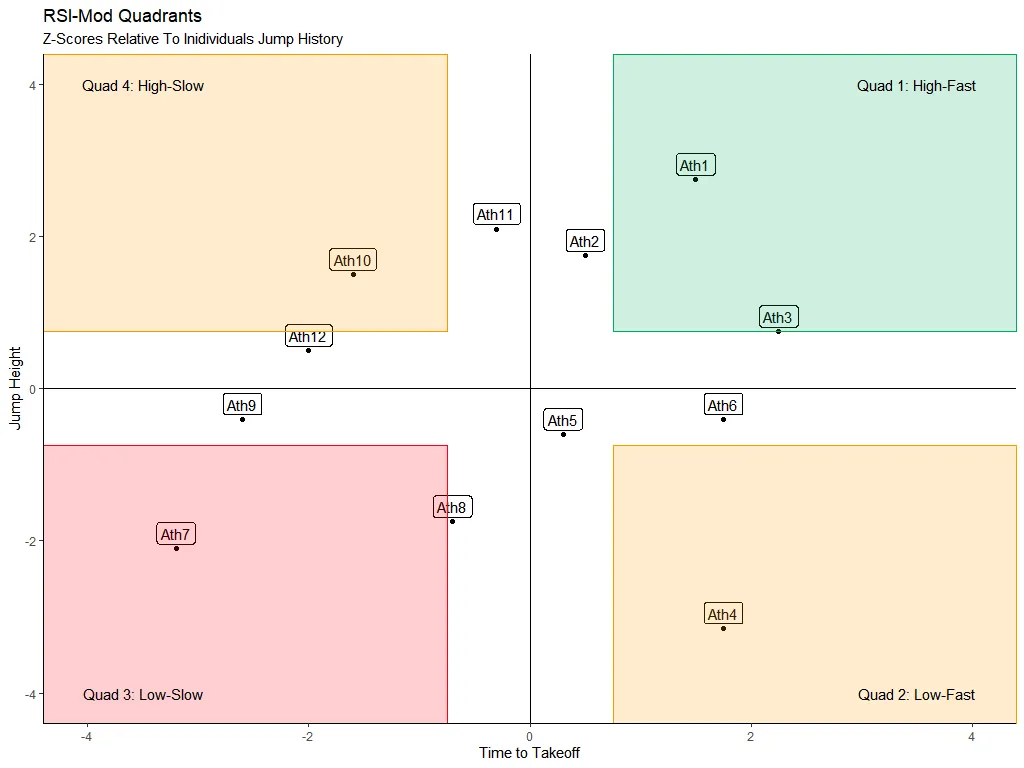 R Package
hawkinR
Pull Hawkin data directly into your R analysis pipelines. Designed for sport scientists and analysts who live in RStudio, with tidy data frames and simple authentication.
View Documentation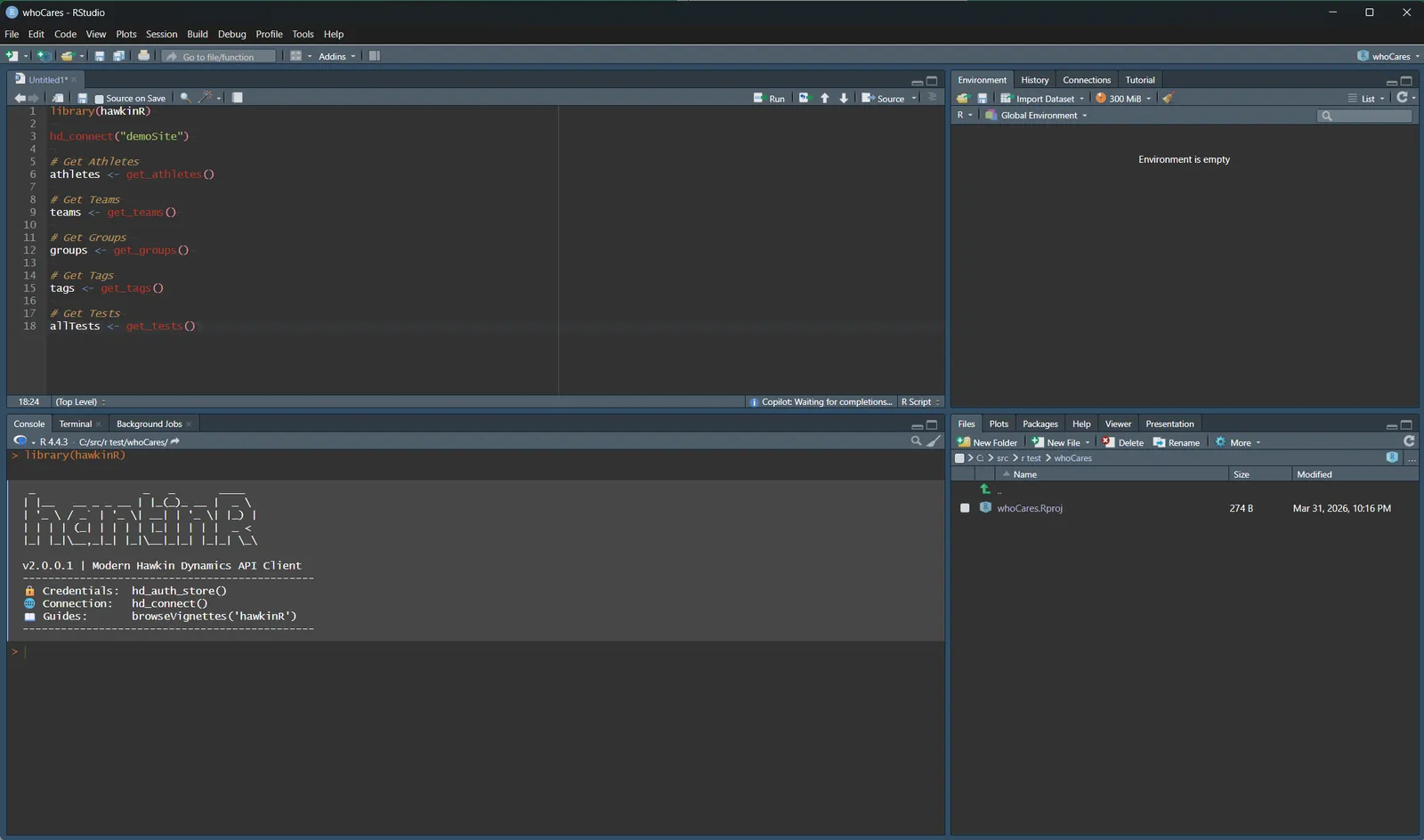
 Python Package
hdforce
Access the Hawkin API from Python scripts, Jupyter notebooks, and data pipelines. Published on PyPI — install with a single pip command.
View Documentation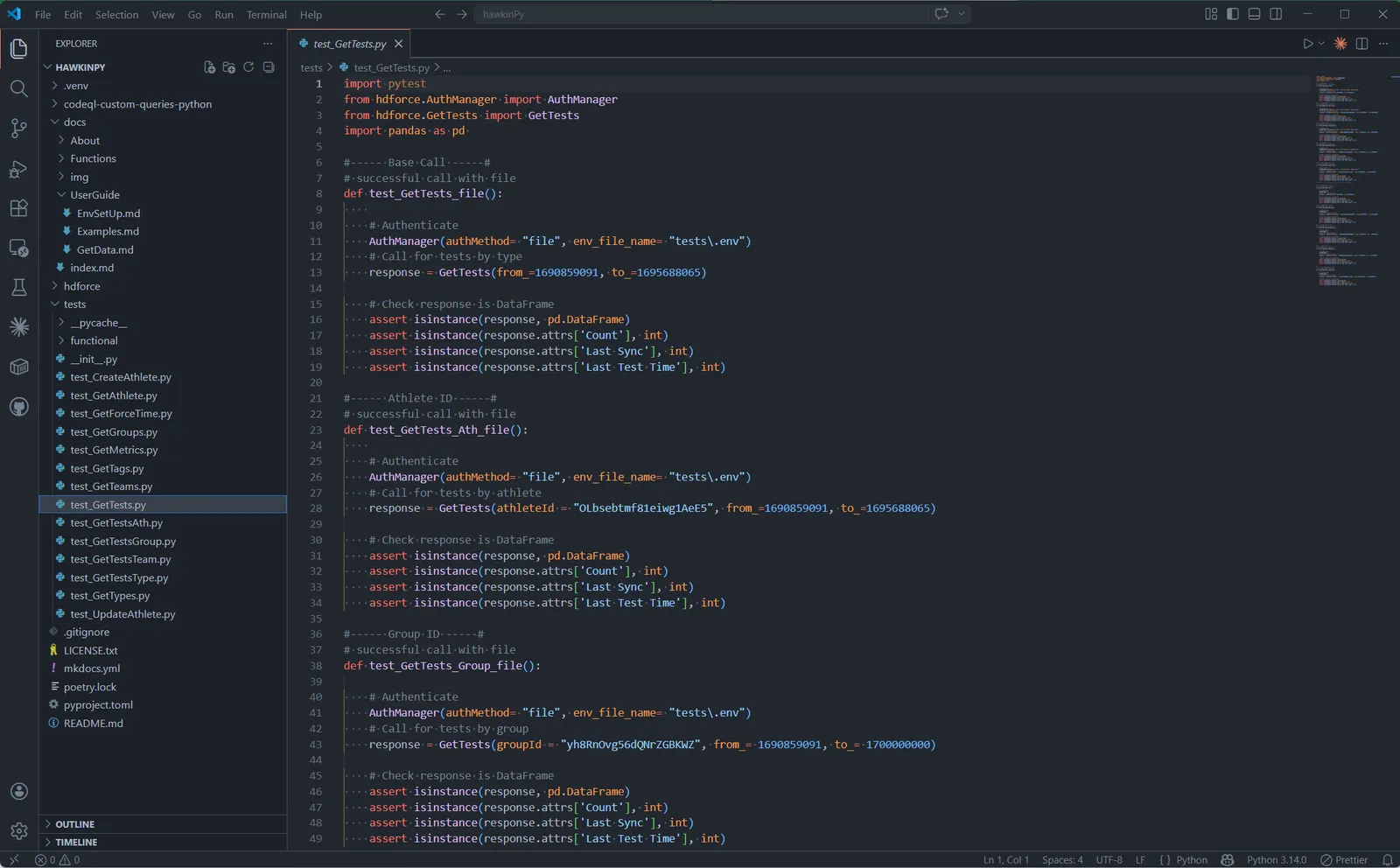 Power Query
Power Query Templates
Connect Microsoft Power BI and Excel to the Hawkin API using Power Query (M language). Pre-built templates for both platforms, standalone scripts, dynamic schema handling, and support for all 11 test types.
View Documentation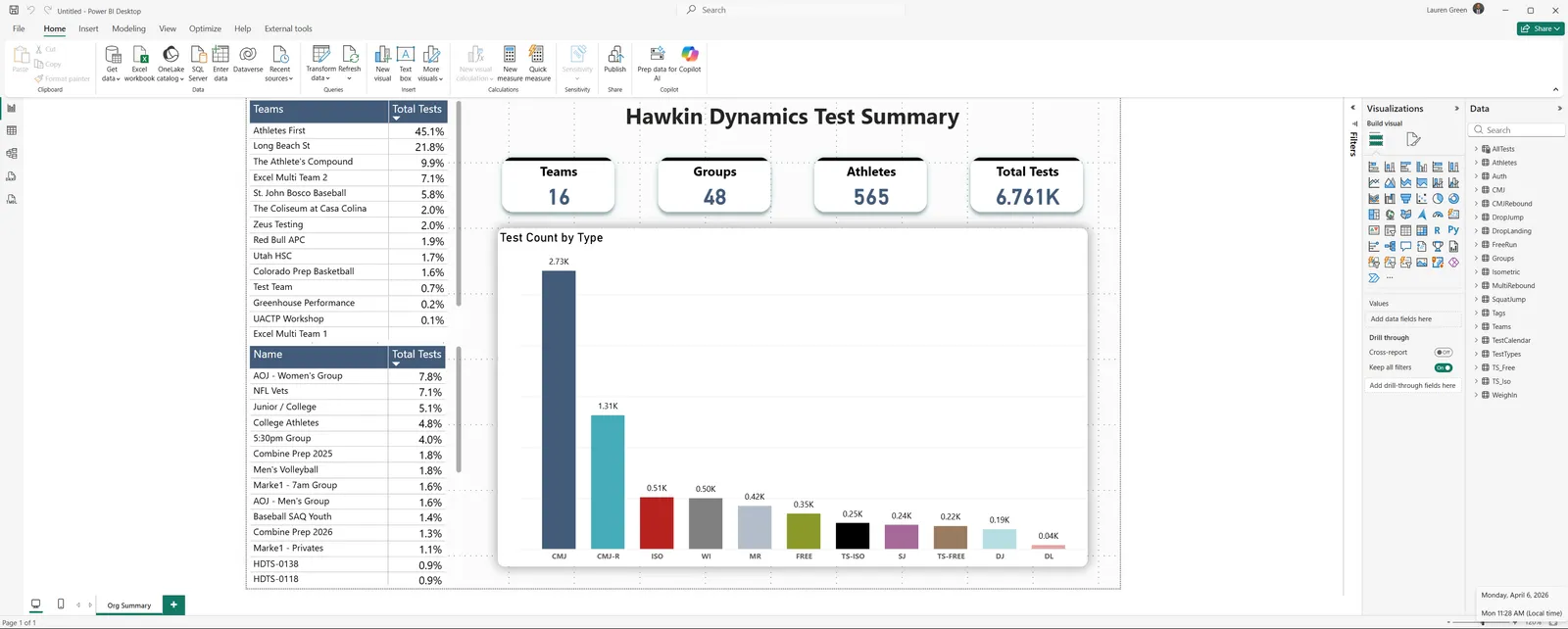 Spreadsheet Add-in
Hawkin Connect for Excel
Query test data, sync athletes, and build dashboards directly inside Microsoft Excel. No exports, no copy-paste — live data from your force plates to your spreadsheet.
View Documentation Pending AppSource review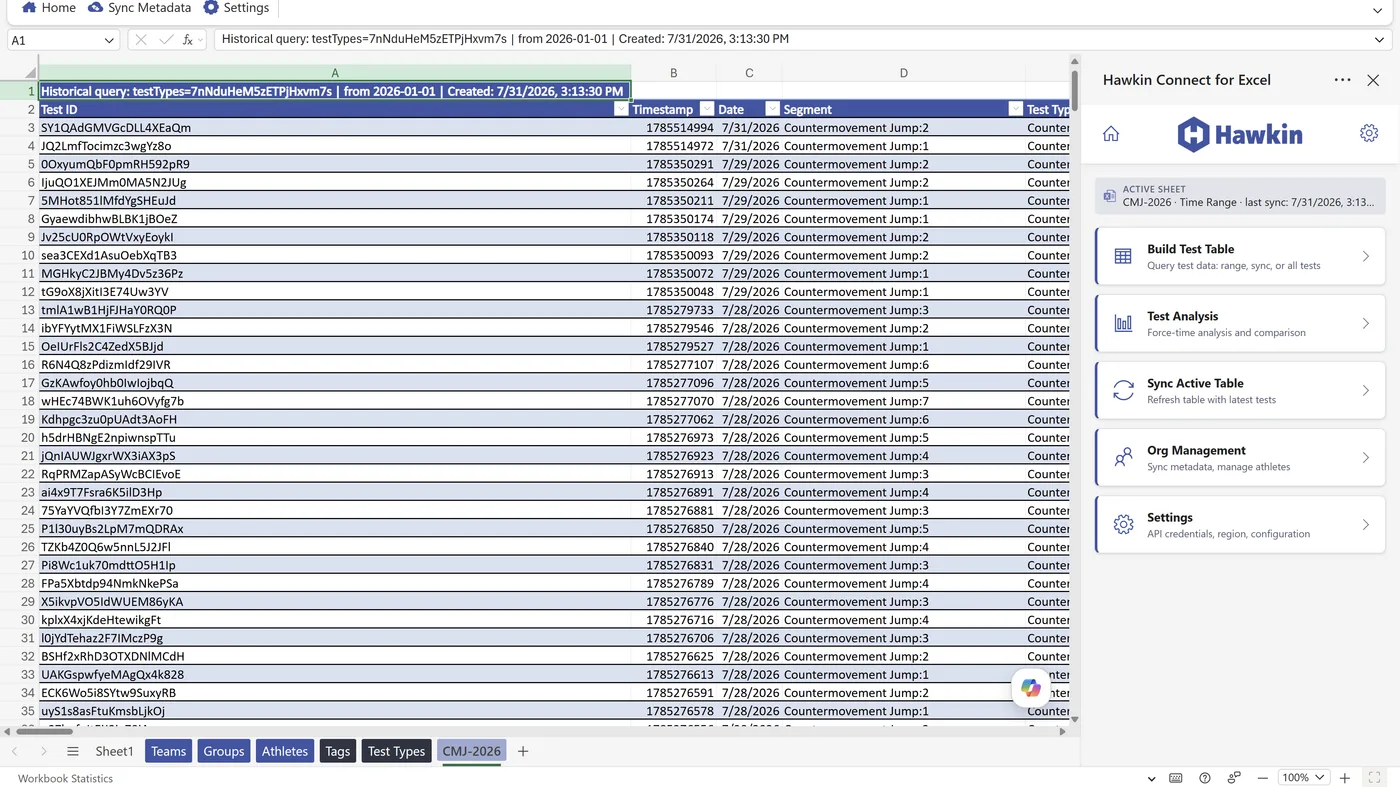 Google Workspace
Hawkin Connect for Sheets
Import athlete and test data into Google Sheets from a side panel. Build live tables, plot force-time and centre-of-pressure dashboards, and manage athletes in bulk.
View Documentation Pending Marketplace review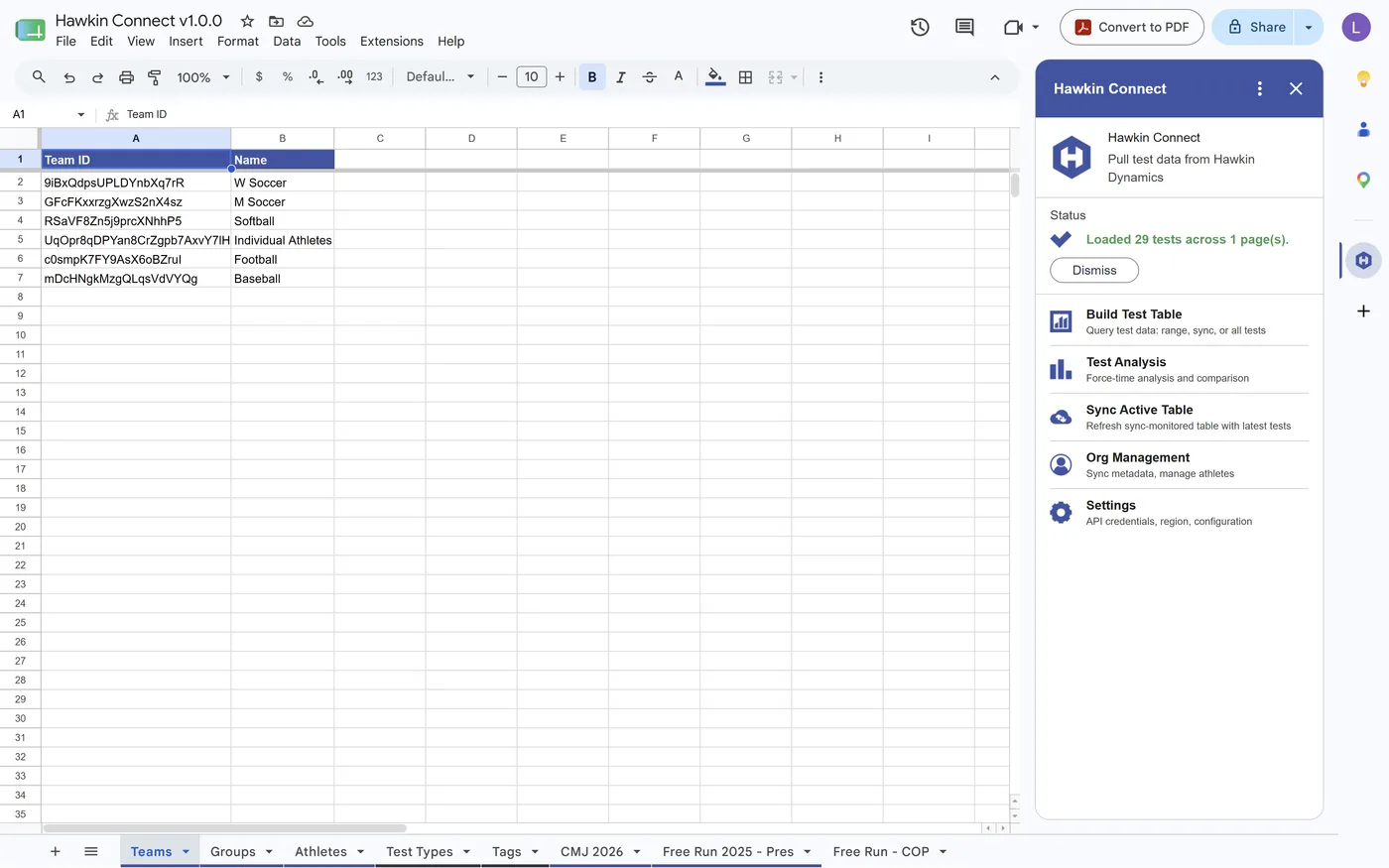
Built by Hawkin
The world's most accessible force plate technology. Hawkin Connect brings your performance data directly into the tools your team already relies on — no manual exports required.
For support with any integration, contact us at dev-team@hawkindynamics.com or visit hawkindynamics.com.